Download the APK
Open this page on the Android phone or tablet that will be used for testing, then enter your name and email.
 Classic BASIC Beta
Android Testing Program
Classic BASIC Beta
Android Testing Program
Private Android tester build
Install this APK only if you are testing Classic BASIC. This is not the Play Store release, and it should not be uploaded, resold, or redistributed.
Verify The File
After downloading, compare the APK hash before installing if your Android file manager or desktop tool supports SHA-256 verification.
705df3e2f8fb75a31a04b40a1a8b20780385523add130869bd3f65541b213b22
Install
Open this page on the Android phone or tablet that will be used for testing, then enter your name and email.
If Android asks, allow installs from the browser or file manager you are using.
The app label should read Classic BASIC Beta. It installs beside the production app instead of replacing it.
What To Expect
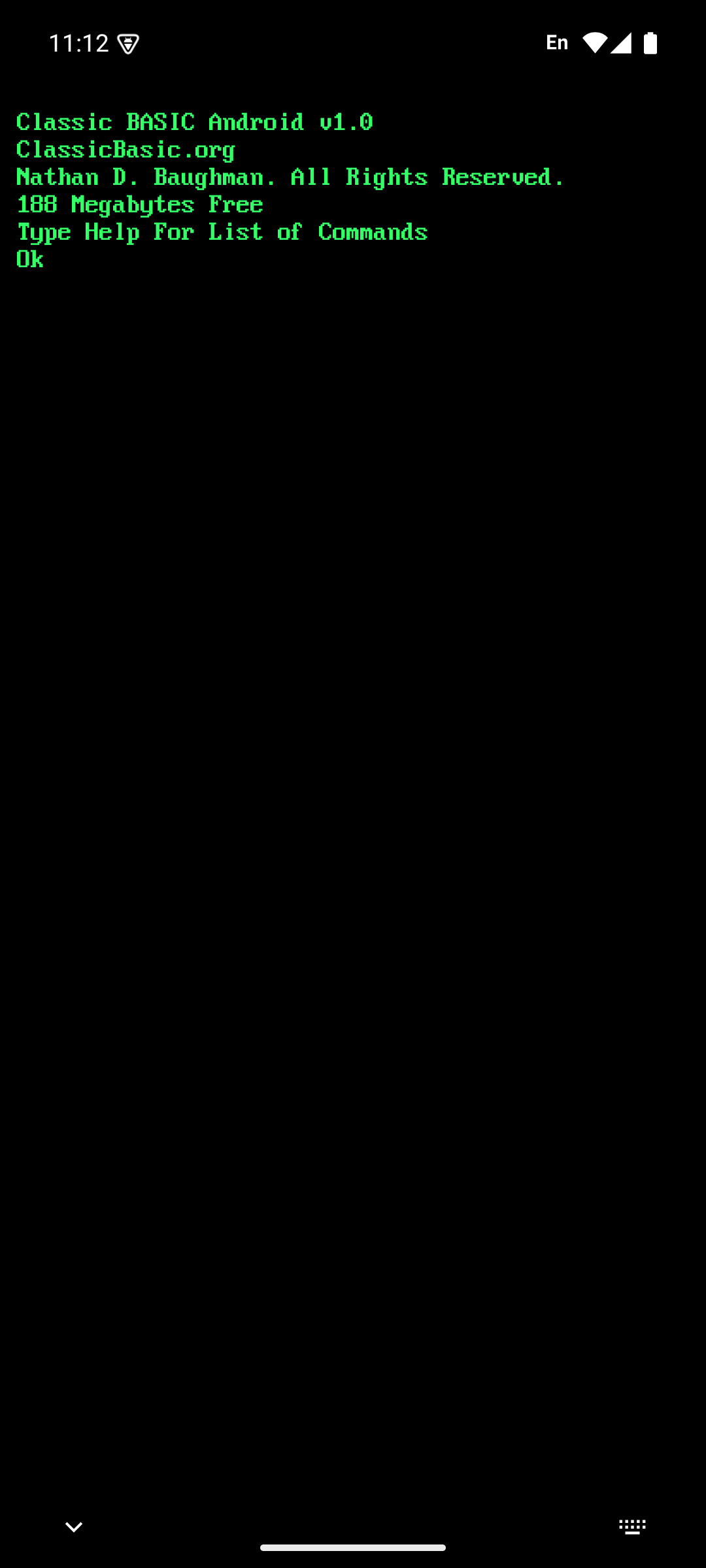
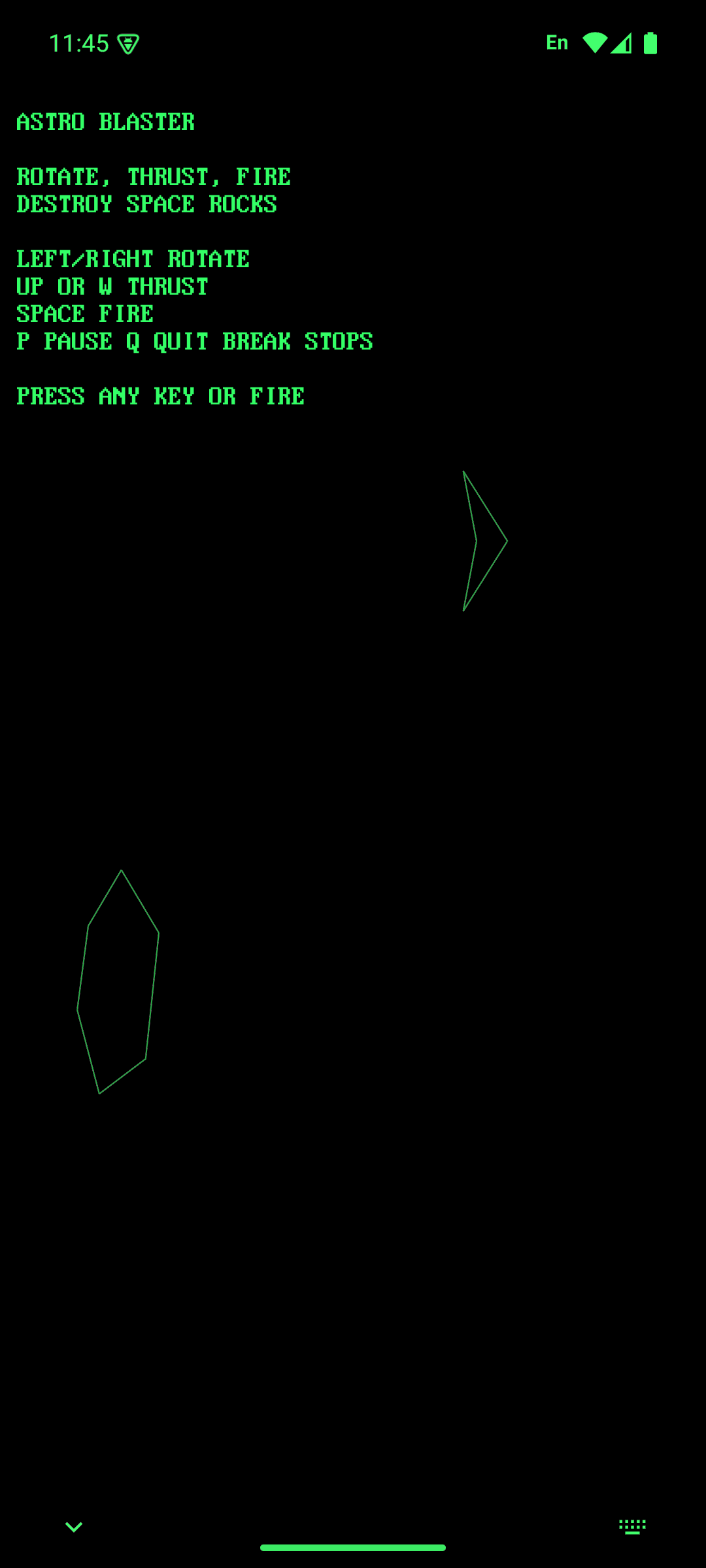
Test Checklist
Report Bugs
Send the device information, screenshots or video, and the exact steps that caused the problem.